


3D measuring point positions in under 2 minutes
LoGeoS – the Low Effort Geometry Scanner – captures the 3D positions of all measuring points on the trunk using augmented reality. One walk around the tree with your iPhone, and the geometry for your tomography calculation is ready.
iOS app · German & English · Export as .pit, .trt and .txt
Advantages
Measuring point geometry in < 2 minutes
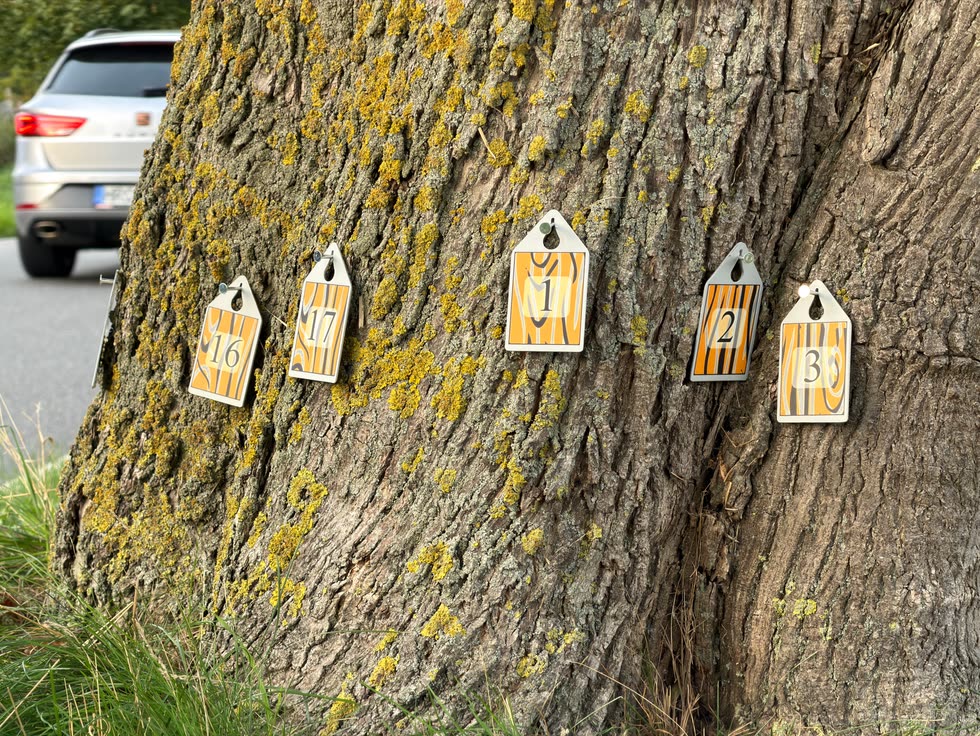
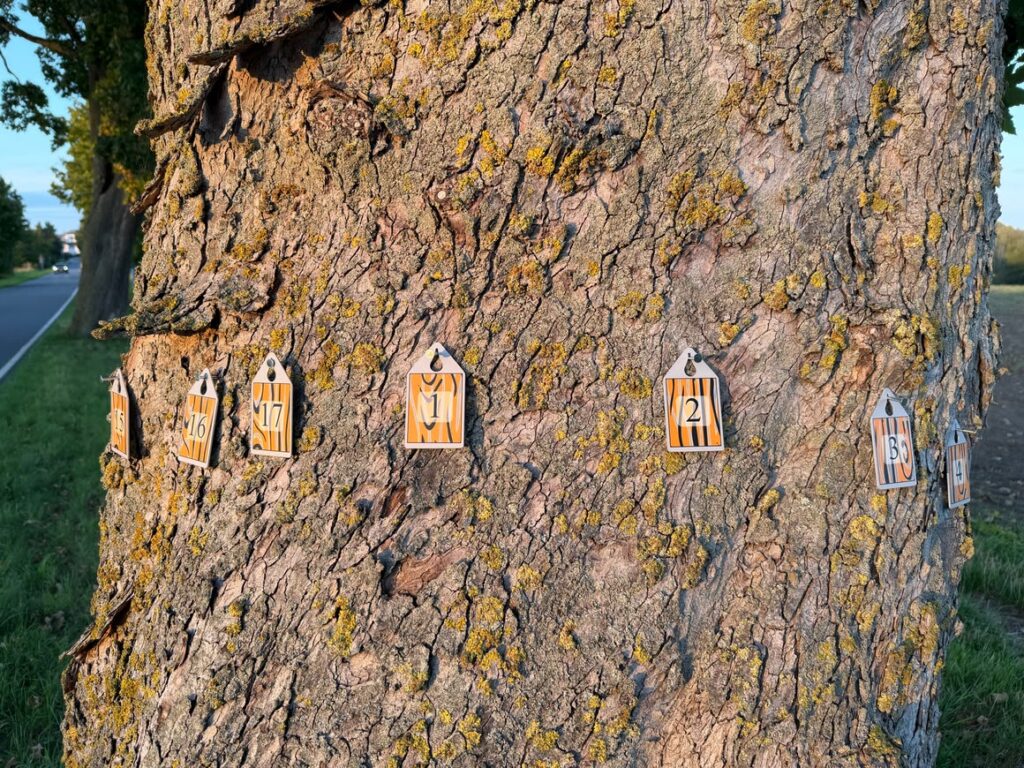
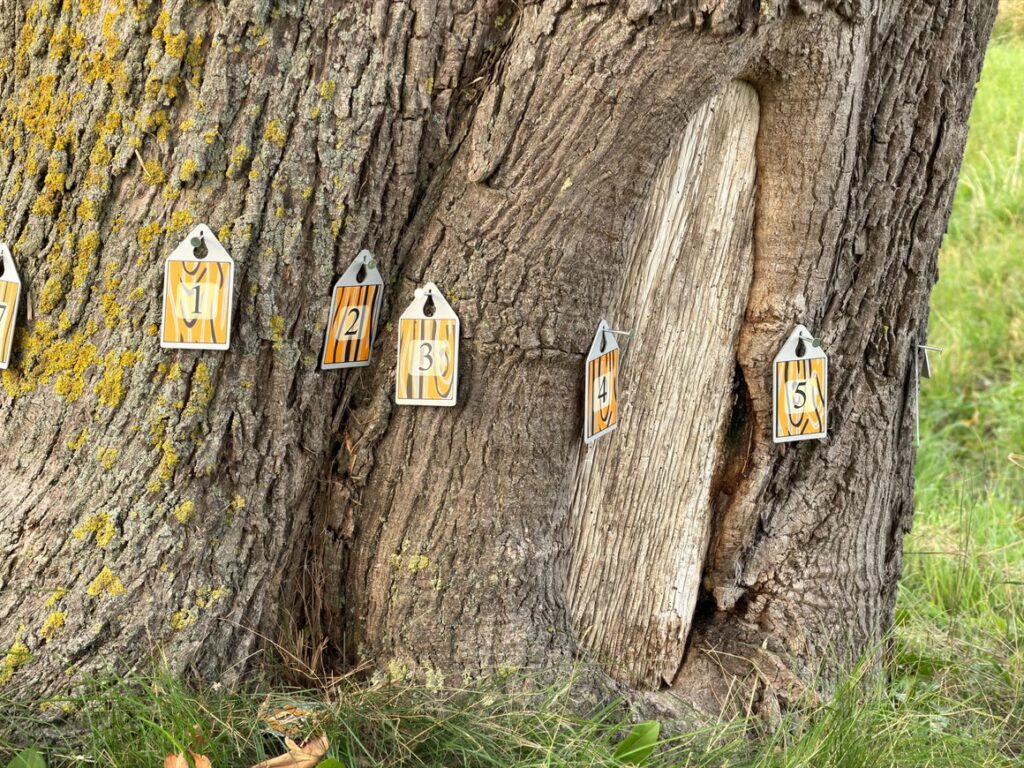
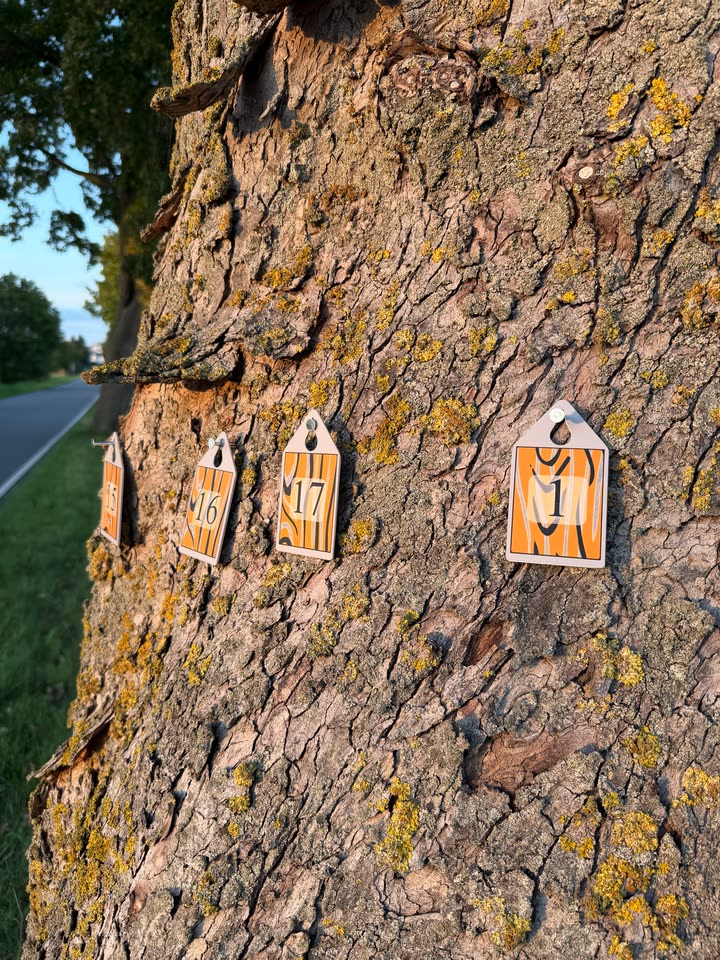
The geometry of the measuring points is the foundation of every tomography – yet capturing it on large trees is often laborious. LoGeoS simplifies this step considerably: numbered tags on the measuring nails are all it takes – the LoGeoS app captures the positions automatically and precisely via camera and LiDAR.
Scan instead of measure
The app automatically recognises every numbered tag and stores its position in space. Detected tags are marked green – so you always see what is still missing.
True 3D positions
The spatial position of every measuring nail is captured – including nail length and tag position. For export, the points are projected onto the best-fit plane.
Even with difficult trunk shapes
Root flares, bulges, irregular cross-sections: where other methods reach their limits, the LoGeoS app captures the true position of every measuring point quickly and precisely.
Straight into tomography format
Export as a new .pit, .trt or .txt file – or merge the scan data directly into an existing .pit or .trt file. The original file structure is preserved.
GPS and north direction included
When you create a project, the location is saved automatically and the north-facing measuring point is determined by compass. You can find all your trees again on the map.
Flexible up to 48 measuring points
From one to 48 measuring points per tree. Enter the height of the measuring level – or have it calculated directly from the scan using a ground tag.

Use in the tree crown
Aerial Testing
For measurements at greater heights, users are often working on ropes in the tree — and under these conditions, every step saved counts. Other methods typically require additional measurement equipment, which is difficult to handle while climbing. The LoGeoS app reduces the effort to a minimum: attach the tag, scan it with the camera, done. Less time, less equipment, more safety.
Workflow
Geometry in four steps
01
Create a project
Enter the tree number and choose the number of measuring points. GPS position and date are saved automatically.
02
Attach the tags
Attach the numbered tags to the measuring nails. Set the nail length and attachment type (centre or top) in the project.
03
Scan
Walk slowly around the trunk with your iPhone at a distance of 20–50 cm. Each detected tag lights up green – once all are captured, tap “Done”.
04
Review & export
Check the result in top-down view, plane projection or 3D, measure distances and export as a .pit, .trt or .txt file.
Once around the tree – that’s how easy the scan is.
THE APP
Everything at a glance. Right at the tree.
You can see on site whether the geometry is correct – and make corrections before moving on to the next tree.
— Three views: top-down view, plane projection and rotatable 3D view
— Measure distances: 3D distance between any two measuring points with a tap
— Edge distances: distances between adjacent measuring points at a glance
— Bark outline: approximate bark contour from the tag positions
— Map: all trees with their tree number, also in satellite view
— Replacement tags: simply reassign lost tags
AR scan: tags are detected
3D view with distances
In the field
Made for everyday work at the tree
FAQ
Frequently asked questions about LoGeoS
Which file formats can LoGeoS export?
LoGeoS exports the scan data as a .pit, .trt or .txt file. You can create a new file or merge the data into an existing .pit or .trt file – its structure is preserved. Exported files can be shared via the iOS share menu.
How many measuring points are possible?
You can set up 1 to 48 measuring points per tree. In addition, a tag with a higher number can serve as a ground tag to determine the height of the measuring level automatically.
What should I keep in mind when scanning?
Move the iPhone slowly and steadily at a distance of about 20–50 cm from the tags. The scanner needs sufficient light – it does not work in the dark. Avoid reflections and glare on the tags.
What happens if a tag gets lost?
No problem: in the settings, simply assign a replacement tag with a higher number to the lost tag. Up to three such remappings are possible, and they apply to all projects.
Can I repeat or edit a scan?
Yes. You can rescan at any time, replacing the previous data. Nail lengths, tag positions, measuring level height and project photos can also be adjusted afterwards in the project editor – globally or for individual nails.
How reliable are the results?
Accuracy depends on lighting conditions, the device and careful operation. With the plane projection, edge distances and the measuring tool, you can check the result right at the tree – as usual, critical dimensions should be verified independently.
Contact
Try LoGeoS
Do you work with sonic tomography and want to speed up geometry capture? We are happy to show you LoGeoS in action and answer your questions.
Get in touch -->
Also of interest
LOFOR® – Laser Deflectometer
Bending line, torsion and root plate inclination under load – for pulling tests and wind response measurements.
Go to LOFOR® -->